
- Never click payment links from messages
- Verify requests on the official Booking.com app
- Do not share card or login details
- Ignore urgent payment or verification requests
- Contact the hotel directly using official details
Booking travel online has become normal, and platforms like Booking.com are widely trusted. Millions of people rely on them for hotel reservations, payments, and travel planning.
That trust is exactly what scammers exploit.
Booking.com phishing scams are among the most dangerous travel-related frauds right now. These scams often look completely real because they may include your actual booking details, hotel name, and travel dates.
In some cases, attackers even use compromised hotel accounts to send messages directly through the platform, making them appear legitimate.
This guide explains how these scams work and how you can avoid losing money or personal data.
What Is a Booking.com Phishing Scam
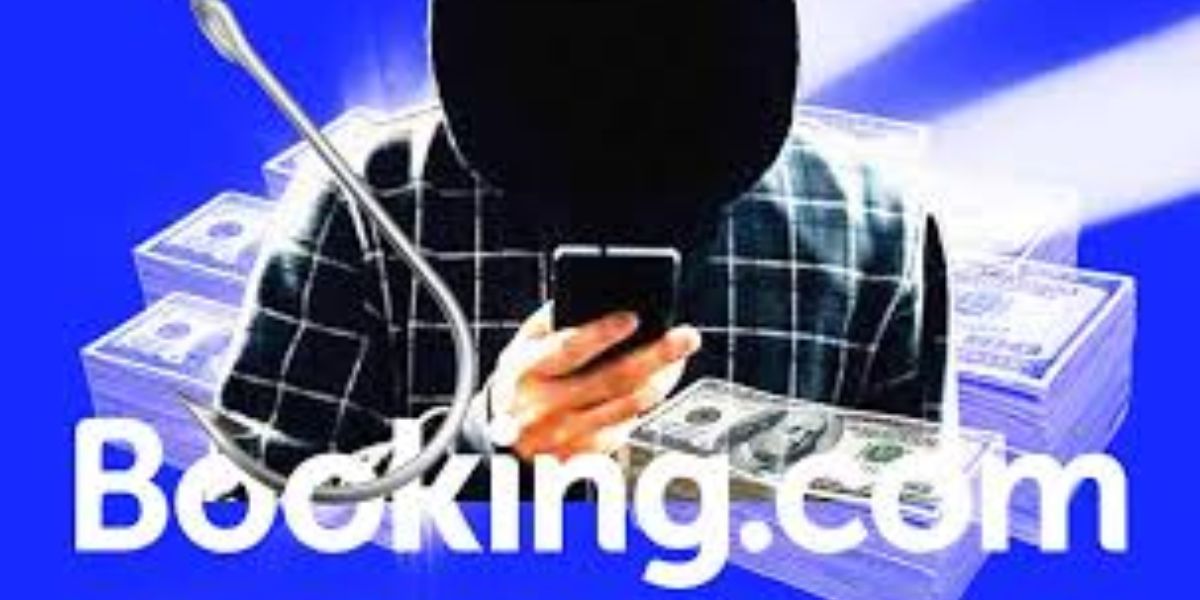
A Booking.com phishing scam is a fraud where scammers impersonate the platform or hotel to trick users into sharing sensitive information or making payments.
These scams may involve:
- Fake payment requests
- Login page copies
- Messages pretending to be from hotels
- Links to fake websites
The goal is to steal your money, login credentials, or card details.
Why These Scams Are Increasing
There are clear reasons behind the rise.
- Huge number of users on booking platforms
- Availability of personal booking data
- Easy impersonation of hotels and support teams
- High success rate due to trust
Recent reports show attackers using stolen booking data to make scams more convincing.
How Booking.com Phishing Scams Work
The process is simple but highly effective.
- Booking Made
You book a hotel through the platform. - Fake Message Sent
You receive a message or email that looks real. - Urgency Created
It claims payment failed or booking may be cancelled. - Phishing Link Provided
You are asked to “verify” or “confirm payment.” - Data Stolen
Your card details or login credentials are captured.
Some scams even lead to fake websites that look identical to Booking.com.
Common Types of Booking.com Phishing Scams
Common Booking.com phishing scams include fake booking confirmations, payment request emails, urgent verification messages, login page clones, refund scams, and customer support impersonation targeting travellers to steal login and payment details.
1. Payment Verification Scam
Claims your payment failed and needs confirmation.
2. Booking Cancellation Threat
Says your booking will be cancelled unless you act.
3. Fake Login Page Scam
Redirects you to a duplicate login page.
4. WhatsApp or SMS Scam
Sends messages outside the platform.
5. Malware Link Scam
Downloads harmful files when clicked.
Real-Life Example
A traveller received a message saying their hotel booking required payment confirmation. The message included correct booking details and came through a familiar channel.
They clicked the link and entered card details.
Later, unauthorised transactions appeared. The message was sent by scammers using compromised hotel accounts, making it look genuine.
Warning Signs You Should Not Ignore
Watch for these red flags.
- Requests to pay outside the platform
- Urgent messages about cancellation
- Links that don’t match official domains
- Requests for full card details
- Messages from unknown numbers
If you see these signs, stop immediately.
Booking.com Phishing Scam Types and Protection Actions
| Scam Type | How It Works | Protection Action |
|---|---|---|
| Payment Scam | Requests payment via link | Pay only inside official platform |
| Login Phishing | Fake login page | Check URL carefully |
| Message Scam | Fake hotel communication | Verify with hotel directly |
| SMS/WhatsApp Scam | External messages | Ignore and report |
| Malware Scam | Malicious downloads | Avoid unknown links |
Why These Scams Look So Real
These scams are highly convincing because:
- They may include real booking details
- Messages can come from legitimate channels
- Websites look identical to official ones
- Language appears professional
In some cases, scammers gain access to hotel systems and message guests directly.
Psychological Tricks Used
These scams rely on behaviour.
- Urgency: “Your booking will be cancelled”
- Fear: Losing your reservation
- Trust: Familiar platform name
- Convenience: Quick link to fix issue
These tactics push users to act quickly without checking.
Quick Safety Checklist
Before clicking anything, ask:
- Is this message expected
- Does it ask for payment or details
- Is the link official
- Can I verify in the app
- Does it feel urgent or suspicious
If unsure, do nothing.
What to Do If You Receive a Suspicious Message
If you get a suspicious message:
- Do not click the link
- Do not reply
- Check your booking in the official app
- Contact the hotel directly
- Report the message
This prevents further risk.
What to Do If You Clicked a Phishing Link
If you already clicked:
- Do not enter any details
- Close the page immediately
- Change your passwords
- Contact your bank
- Monitor your transactions
Quick action can reduce damage.
How to Verify Real Booking.com Communication
To stay safe:
- Use the official app or website
- Check messages inside your account
- Contact the hotel using verified details
- Avoid links in emails or messages
Booking.com advises users to confirm everything through official channels only.
Smart Habits for Safe Travel Bookings
Build habits that protect you.
- Always access sites directly
- Avoid clicking unknown links
- Use secure payment methods
- Enable account security features
- Stay updated on scam trends
These habits reduce your risk significantly.
Final Thoughts:
Booking.com phishing scams are dangerous because they look real and target people at the exact moment they are planning or managing travel.
The key is simple. Never rush. Always verify.
That one habit can protect your money, your booking, and your personal information.
Must Read:
- WhatsApp Booking Scam: Fake Hotel and Travel Bookings
- Booking Through a Travel Agent? Read This Before You Pay
- Too Cheap to Be True? It Probably Is
Quick Action Summary
- Never click payment links in messages
- Verify everything inside the official app
- Do not share sensitive details
- Avoid urgent requests
- Stay alert to scam tactics
This guide helps you stay safe from Booking.com phishing scams and travel with confidence.