- Avoid connecting to unknown WiFi networks
- Verify official network names at the airport
- Do not enter sensitive information
- Use a VPN for secure browsing
- Turn off auto-connect settings
Airport WiFi Scam Alert, Airports are one of the most common places where people connect to public WiFi. Travellers often need internet access for boarding passes, bookings, or staying in touch.
Scammers know this. Fake airport WiFi networks are designed to look like official connections. They use names similar to real airport networks to trick users into connecting.
The moment you connect, your data can be exposed. Passwords, emails, and even banking details can be intercepted without you realising it.
This guide explains how fake airport WiFi scams work and how you can protect your data while travelling.
What Are Fake Airport WiFi Scams
Fake airport WiFi scams involve fraudulent wireless networks set up by scammers to mimic legitimate airport WiFi.
These networks often:
- Use similar names to official WiFi
- Do not require proper authentication
- Redirect users to fake login pages
The goal is to capture your data or monitor your activity.
Why These Scams Are Increasing
There are clear reasons.
- High number of travellers using public WiFi
- Easy setup of fake networks
- Lack of awareness about WiFi security
- Dependence on internet connectivity
These factors make WiFi scams effective.
How Fake WiFi Networks Work
The scam follows a simple process.
- Network Setup
Scammer creates a fake WiFi network. - Name Imitation
Network name looks similar to official WiFi. - User Connection
You connect to the network. - Data Capture
Activity is monitored or redirected. - Information Theft
Login details and data are collected.
Common Types of WiFi Scams
Fake public WiFi hotspots, evil twin networks, phishing login pages, data sniffing attacks, malware injections, session hijacking, and unsecured networks are common WiFi scams targeting unsuspecting users.
1. Evil Twin Attack
Fake network identical to official WiFi.
2. Open WiFi Trap
No password required, easy to connect.
3. Phishing Login Page
Fake login screens to collect data.
4. Malware Injection
Network used to install harmful software.
5. Data Interception
Monitoring of user activity.
Real-Life Example
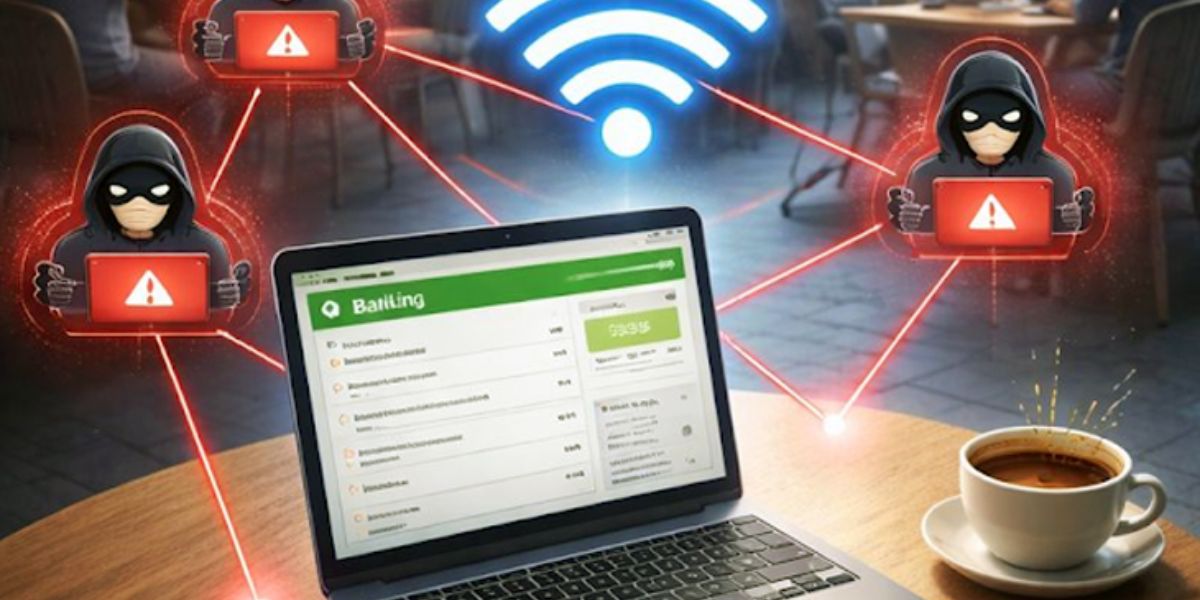
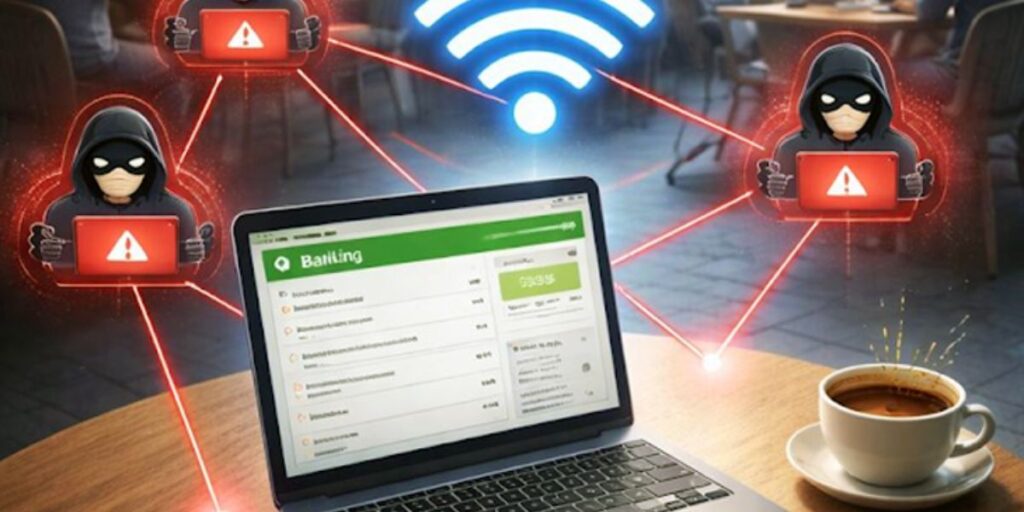
A traveller connected to a free airport WiFi network named similar to the official one. The network required a login through a web page.
The traveller entered email and password details. Later, their email account was accessed without permission.
The WiFi network was fake and designed to collect login credentials.
Warning Signs You Should Not Ignore
Look for these red flags.
- Multiple similar network names
- No password requirement
- Suspicious login pages
- Frequent disconnections
- Slow or unusual internet behaviour
If you notice these signs, disconnect immediately.
Fake WiFi Scam Types and Protection Actions
| Scam Type | How It Works | Protection Action |
|---|---|---|
| Evil Twin | Fake network mimics real one | Verify network name |
| Open WiFi Trap | No password required | Avoid open networks |
| Phishing Page | Fake login forms | Do not enter credentials |
| Malware Attack | Installs harmful software | Use antivirus and VPN |
| Data Interception | Monitors activity | Avoid sensitive transactions |
How Scammers Target Travellers
Scammers take advantage of busy environments.
- Airports and lounges
- Hotels and cafes
- Public transport hubs
They target users who need quick internet access.
Psychological Tricks Used
These scams rely on behaviour.
- Convenience: Easy internet access
- Urgency: Need for quick connection
- Trust: Familiar network names
- Distraction: Busy travel environment
These tactics lead to quick decisions.
Quick Safety Checklist
Use this checklist before connecting.
- Is the network official
- Does it require proper login
- Are there multiple similar names
- Are you entering sensitive data
- Can you use mobile data instead
If unsure, do not connect.
What to Do Before Connecting to WiFi
Before using any network:
- Ask airport staff for official WiFi name
- Disable auto-connect
- Use secure networks only
- Avoid entering passwords
These steps reduce risk.
What to Do If You Used a Fake Network
If you suspect a fake network:
- Disconnect immediately
- Change passwords
- Enable two-factor authentication
- Scan your device
- Monitor your accounts
Quick action protects your data.
How to Identify Safe WiFi Networks
To stay safe:
- Use official airport WiFi
- Confirm network name
- Avoid networks with similar names
- Use VPN for extra security
Verification is essential.
Smart Habits for Secure Internet Use
Develop habits that protect you.
- Avoid public WiFi for banking
- Use mobile data when possible
- Keep devices updated
- Stay aware of risks
- Use security tools
These habits reduce risk.
Must Read:
- Airport WiFi Scam Alert: Don’t Connect Until You Read This
- Travel Insurance Scam Alert: What Most People Miss
- Tourist Taxi Scams You Must Know Before You Travel
Final Thought:
Fake airport WiFi scams are easy to fall for because they look harmless. A simple connection can expose your personal and financial data.
Take a moment to verify before connecting. That small step can protect your digital security while travelling.